
Windows PC care & protection
System Mechanic Review: Pro & Ultimate Defense
Combine Windows PC maintenance with security by choosing the right System Mechanic edition. Compare Standard, Pro and Ultimate Defense before selecting an offer.
We may earn a commission through our links, at no extra cost to you. How we compare.
Our take
Why choose System Mechanic Pro?
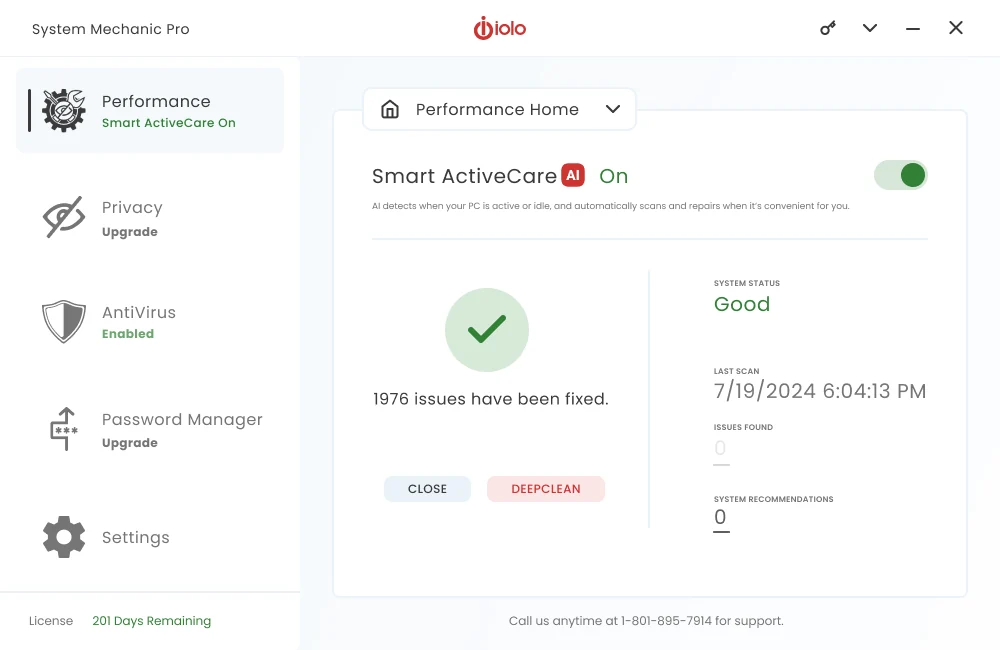
System Mechanic Pro is a useful choice for a supported Windows PC when you want maintenance tools and antivirus together. It combines the PC-care focus of System Mechanic with the System Shield antivirus component and additional utilities.
Bring PC care together
Use cleanup and maintenance tools within the same product family.
Choose antivirus deliberately
Pro and Ultimate Defense include System Shield; the Standard optimizer has a different scope.
Keep the purchase focused
Pay for the edition that addresses your PC needs rather than unrelated mobile coverage.
Our recommendation is to start with Pro if antivirus is part of the reason you arrived at this comparison. If you already have the security setup you want and only need maintenance, review Standard. Ultimate Defense is worth comparing when you will use its wider utility bundle.
Edition comparison
Standard, Pro or Ultimate Defense?
| Edition | Main scope | Who should compare it |
|---|---|---|
| System Mechanic Standard | Windows cleanup and optimization | A buyer seeking PC maintenance |
| System Mechanic Pro | Maintenance plus System Shield antivirus and additional file tools | A buyer seeking a combined PC-care and antivirus package |
| Ultimate Defense | A broader security/privacy/utility bundle | A buyer who wants its named extra tools |
The key distinction is straightforward: the Standard System Mechanic optimizer is not the same purchase as an antivirus-inclusive edition. iolo identifies System Shield as included with Pro and Ultimate Defense. Confirm the product name in your actual offer before paying.
Treat ioloVPN and other separately marketed services as individual entitlement questions. A navigation menu or a reference to the wider product range does not establish that every service is part of the licence in your cart.
Choose your System Mechanic protection
Check the current offer, select the right edition and activate the features you want to use.
Check System Mechanic offersConfirm the device allowance, billing term and renewal price at checkout.
Using Pro
What the PC-care tools are designed to do
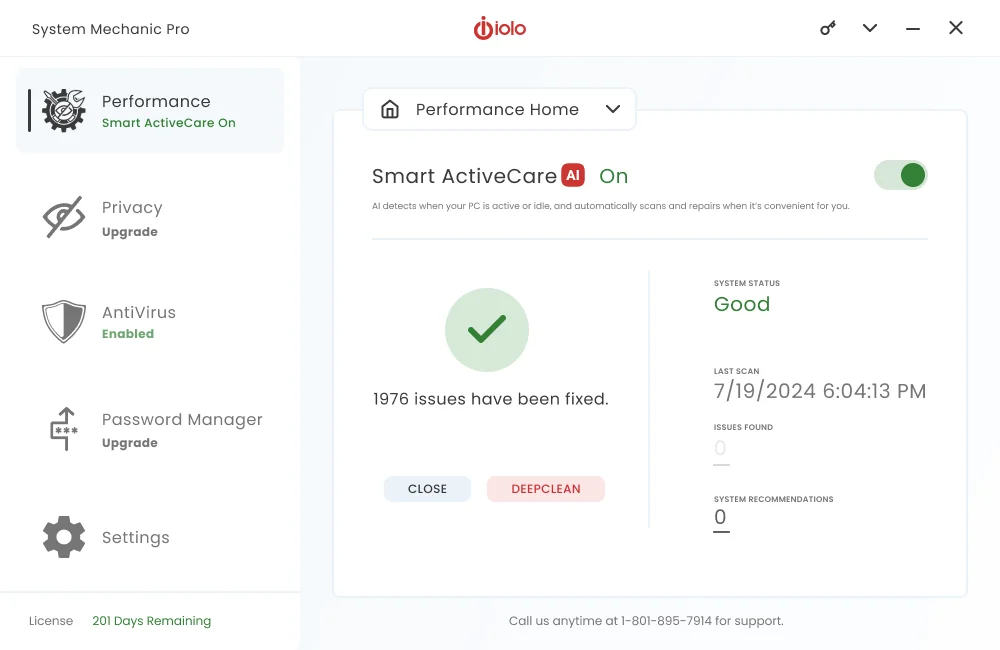
Pro describes automated maintenance, cleanup and resource-related optimization alongside real-time threat monitoring. Its file-management tools include recovery and drive-erasing functions. Use each tool for a specific need rather than treating the entire feature list as a task you must run.
Automated maintenance can be convenient when you prefer a scheduled routine over visiting several separate utilities. Review proposed cleanup changes and keep important files backed up. An optimizer cannot promise a particular speed increase on every PC, because hardware, installed software and the cause of a slowdown differ.
Drive-erasing tools deserve particular care: their purpose is to remove data. Read the instructions and select the correct drive before using such a function. For a device you use every day, focus first on the maintenance and protection settings you actually need.
Device fit
Check Windows and processor support first
The current requirements specify Windows x64-based PCs and explicitly exclude ARM-based PCs. System Mechanic is not a Mac, iPhone or Android security suite. This is particularly important if you own a newer Windows laptop with an ARM processor.
Check your processor and operating system before purchasing, then review the requirements for the exact edition. The requirements also mention an internet connection, an administrator account and sufficient disk space.
Once you select the right edition, follow iolo’s download and activation instructions. Confirm which antivirus component and other tools were installed. Review any existing security software and the provider’s compatibility guidance when changing your protection setup.
Before checkout
Buy the edition, not just a similar-looking name
Promotional pricing can differ between Standard, Pro and Ultimate Defense, and the licence term is part of the purchase. Compare the full charge, renewal settings, household-use conditions and selected edition. The lowest price is useful only if it buys the tools you intended to get.
If the offer includes optional support or another service, decide whether you want it and check how it is billed. Save the order confirmation and keep the product name and activation details together.
For a household licence, confirm the current allowance and permitted use directly in the chosen offer. Do not assume that an older “whole home” description or a figure in a different campaign is the licence you are buying now.
Buying decision
Judge the purchase by the work you want it to do
We have not measured a speed gain, run a malware benchmark or tested these utilities on your PC. Our assessment is about edition scope, the combined maintenance-and-security proposition and the published system requirements.
The strongest reason to choose Pro is that you want PC maintenance and System Shield antivirus together on supported Windows hardware. If that describes your situation, select the Pro offer, confirm the licence terms and configure a maintenance routine you understand.
For a Mac- or mobile-first household, compare a product designed for those platforms. For an eligible Windows PC, the choice is clearer once you separate maintenance-only needs from a combined antivirus purchase.
Before you buy
Questions about System Mechanic Pro
Does Standard System Mechanic include antivirus?
Standard is the PC optimizer. iolo identifies System Shield antivirus as part of Pro and Ultimate Defense. Choose an antivirus-inclusive edition if malware protection is part of your purchase goal.
Will it run on a Windows ARM laptop?
The current requirements say the supported System Mechanic editions are for x64-based Windows PCs and not ARM-based PCs. Check your processor before purchasing.
Can I install it on my Mac or phone?
This product family is for supported Windows PCs. It is not a Mac, Android or iPhone security suite.
Will Pro make every computer faster?
Performance depends on your hardware and the source of the slowdown. The tools are designed for PC maintenance and optimization, but no specific speed increase should be assumed for every machine.
Is ioloVPN automatically part of the order?
Do not assume so from the iolo product menu. Read the named inclusions and subscriptions in the exact offer before adding a separate service.
Make an informed choice
Choose Pro when you want maintenance and antivirus together.
System Mechanic Pro is the practical starting point if you want iolo’s PC-care tools plus antivirus in one Windows package. Standard suits a maintenance-only purchase, while Ultimate Defense adds more utilities to compare. Choose the edition by the features you need, confirm your PC is supported and review the current offer.
How this page was researched
About this review
This research-based buying guide compares published product, plan and support information. We have not tested the software hands-on. Buying recommendations are editorial judgments about features, device fit and subscription scope. Any named lab result is separate from our site scores.
Checked November 1, 2026 for U.S. shoppers. Plan examples and prices are dated snapshots. Confirm the edition and platform-specific features in your selected offer. Product images are credited to System Mechanic.
No security product guarantees protection against every threat. Keep devices updated and use account-security practices alongside the tools you buy. Report corrections to compareanyth.ing@dooeeads.com.